Click on the desired point on the image
 "More", then - on the "Rename" item
 "Delete"
 key on the keyboard
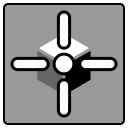
A 3D marker is a a cross marking a point that coincides in volume on all projections of the MPR and 3D model
The 3D marker works synchronously with the 3D cursor across different series and studies when synchronizing series and studies
Dragging the 3D marker is the same as dragging the 3D cursor and results in synchronized scrolling of the image across all projections
"More", then - on the "Rename" item "Delete" key on the keyboard