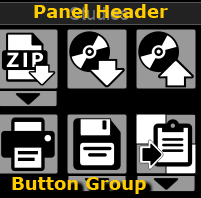
Toolbars are program buttons grouped by functionality, as indicated by the bar's header

| Archive - located above the Preview Bar. | 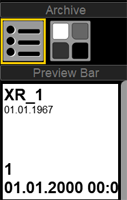
|
| Studies - operations with the active study | 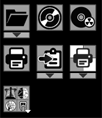
|
|
Layout - splitting the screen into studies, series, and images Hidden by default The button near the "Archive" button is used To display it, see Configuring Tool Panels |

|
| Image Processing | 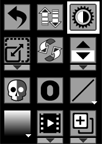
|
| Measurements - measurements in images | 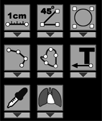
|
| 3D | 
|