Vidar Dicom Viewer Program Interface
Hover the mouse cursor over the Vidar Dicom Viewer icon on the desktop
Double-click the left mouse button

Program Interface
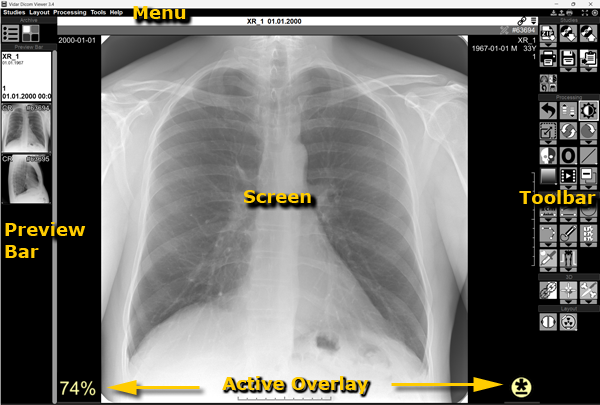
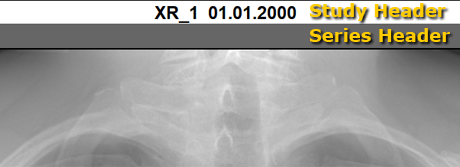
Each study and each series has a header with information and control elements
Clicking and Dragging an Element
Clicking means the following:
- Hover the mouse cursor over the desired element
- Click the left mouse button
Dragging an element means the following:
- Hover the mouse cursor over the desired element
- Press and hold the left mouse button
- Move the mouse to drag the element
- Release the mouse button
Closing the Vidar DICOM Viewer Program
- Click the cross in the upper right corner of the application window
or
- Press the key combination
 +
+ 
or
- Program menu - Studies - Exit
Vidar Dicom Viewer Help 3.0, © 2026
PO Vidar