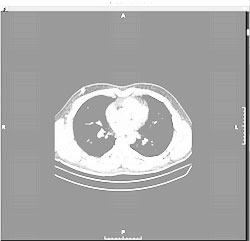
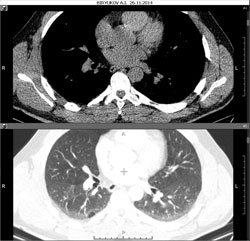
Double-click the thumbnail of the desired image in the Preview Bar
or
Drag (hold down the left mouse button on the thumbnail in the Preview Bar, drag it onto the screen, release the button) the thumbnail of the desired image onto the screen
The highlighting must cover the entire study or series area on the screen
Add a Series (Image) to the Screen
Drag a series thumbnail onto the screen
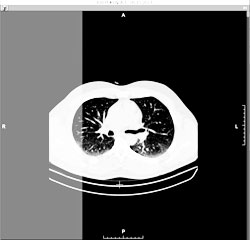
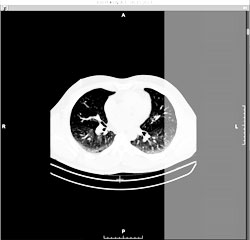
The highlighting should cover part of the area of the study or series
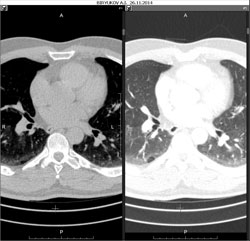
Add a Series to the Left
Add a Series to the Right
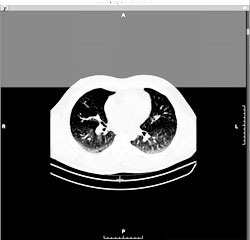
Add a Series to the Top
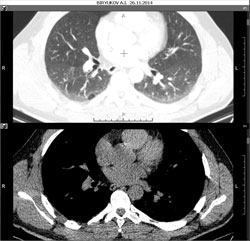
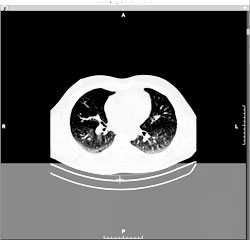
Add a Series to the Bottom
Add a Study to the Screen
Open a different study in the Preview Bar (left-click on the study header)
Drag a series thumbnail from the other study in the Preview Bar onto the screen
The highlighting should cover part of the area of the study
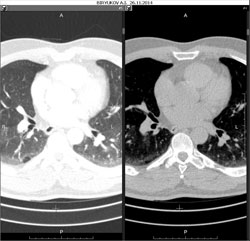
Add a Study to the Left
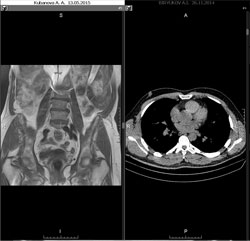
Instead of dragging a series from the same study (CT), we drag a series from a different study, in this case - MRI