 in the toolbar,
 +
+

- The export window will close
- The arrow on the export button will blink
- You can continue working with the program during the export
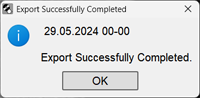
Open Windows Explorer and you will see a data archive named with the patient's last name and initials
If errors occurred during the export, the program will report them