Buttons located in the same groups are highlighted with the same color
 icon to open the density menu
 icon
icon| Button | Function | Mouse | Keyboard |
|---|---|---|---|
| "Figures" Group | |||
|
Circle |
|

|
|
Oval |
|
 |
|
Rectangle |
|
|
| "Curves" Group | |||
|
Curve |
|
|
|
Polyline |
|
|
| "Areas" Group | |||
|
Closed Curve |
|
|
|
Closed Polyline |
|
|
|
Closed Pencil, or Freehand Drawing Pen |
|

|
|
"3D Sphere" | See "3D Measurements" | |
|
Volume Construction by Contours |
See "3D Measurements" | |
|
Volume Construction by Density |
See "Volume Construction by Density" | |
| Create Accumulation Curve | See "Accumulation Curve Construction" | ||
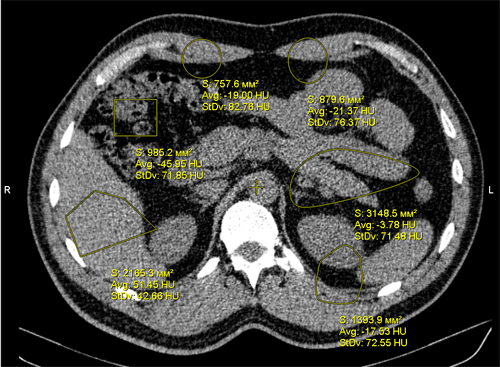
near the measurement result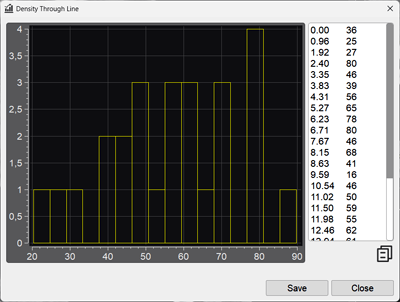
 key on the keyboard
For editing measurements, see Measurement Manipulations