 on the curve at the location where you want to add the point
 , then click the required item on any point of the curve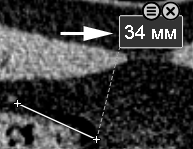
 key key.
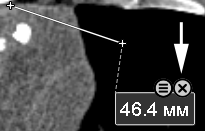
 key next to the result of a constructed measurement, then click the "Copy Text to Clipboard" button under the header to the right of the measurement, then click the "Edit Name"
  button in the header
to the right of the measurement and select the "Copy Measurement" item
button in the header
to the right of the measurement and select the "Copy Measurement" item
Hidden by default
To display it in the toolbar, see Configuring Toolbars, group header - "Measurements"
next to the result of any constructed measurement and select the "Reflect Measurement" itemNote: Without constructing a reflection line, the "Reflect Measurement" item in the "More" menu is inactive