Image representation in MRI is analyzed by the software based on data received from the scanner console
2D Images
2D images include topograms, patient protocol reports, user-saved two-dimensional screenshots of three-dimensional images, etc., which cannot be represented as MPR and/or volume
This also includes scans that technically cannot be combined into a single volume (for example, scans from different series incorrectly merged by the console operator into one)
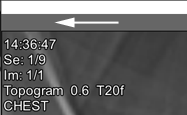
In this case, the series header does not contain buttons for switching image viewing modes:
2D Tensor and 2D Dynamic Series
Typical multi-volumes
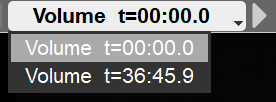
In this case, buttons for switching volumes will appear in the series header:
Click the side arrows to switch volumes, or click the central part and select a volume from the list
To scroll through images and volumes with the mouse, select the scrolling tool in the tool panel
Hold down the left mouse button
Moving the mouse up-down will scroll through images within the volume; left-right will scroll through the volumes
3D Images
3D images are sets of scans combined by the software into volumes
They can be represented as MPR and/or a 3D model
In this case, buttons for switching image views will appear in the series header:
This representation is preferred
If it is necessary to represent a volume as individual scans, click the "2D" button in the series header
In this case, all scans will be displayed in the projection in which they were acquired by the console operator
Representing 2D Mode as a Volume
If the series header in 2D mode contains the button , click it to switch to the volume
Linear Cursor
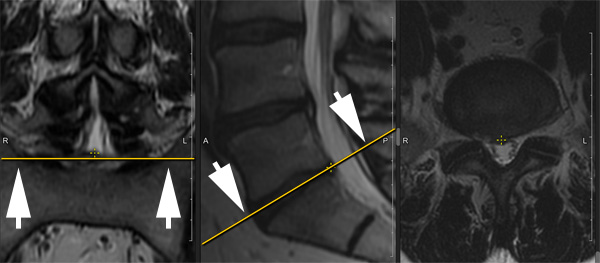
When different projections are displayed on the screen simultaneously, the active projection is displayed on the others as a linear yellow cursor
See also
 in the tool panel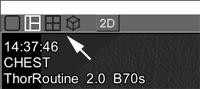
 , click it to switch to the volume