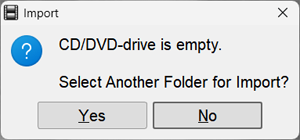
 , then there is no disc in the DVD drive
If the Import from CD… button looks like
 , then there is a disc in the drive and it is ready for import
, then there is no disc in the DVD drive
, then there is a disc in the drive and it is ready for import
will blink for 5 seconds and will change to
, then there is a disc in the drive and it is ready for import
, then there is no disc in the DVD drive
, then there is a disc in the drive and it is ready for import
will blink for 5 seconds and will change to

 , the import indicator
 will blink
, the import indicator
will stop blinking
will blink
, the import indicator
will stop blinking