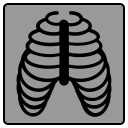
- A panel with the unfolded rib image
- 3D model panel - at the top
- three standard MPR projections - in the lower part of the screen
 , which allows you to display a simplified layout: three panels with standard MPR projections and one panel with the unfolded ribs
To return to the main layout, click the button -
 in the series header
 button in the series header
 button in the series header to temporarily hide the labels
 button