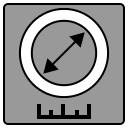

Click on the "More..." item to display all available catheter calibrators

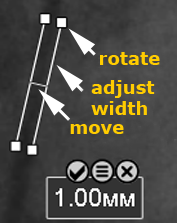
 button applies the calibration and hides the calibrator
 button cancels the calibration and hides the calibrator
 button brings up the catheter list (the catheter can be changed during calibration)
 to edit a calibration object, or - to delete