- pause and start playback
 - save to file
 To save the entire film in one format or another, do not move the slider-arrows at the edges of the scroll bar
For manipulations with the saved video fragment, see Viewing and Editing Videos
 - save to DICOM
 - go to the previous series
 - go to the next series
 - study calibration. See Calibration in Angiography
 - Playback speed:
- Hover the mouse cursor over the slider
- Press and hold the left mouse button
- Move the slider
- Release the left mouse button
 in front of the Subtraction item to enable or disable this mode (default - disabled)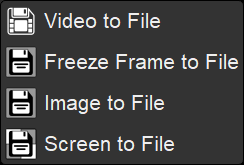
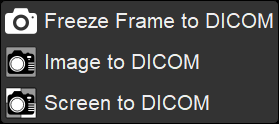
 in the upper right corner of the panel