Placement of Mammographic Images
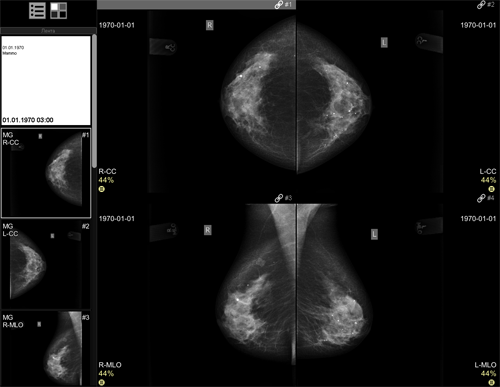
A standard mammographic study contains 4 images:
- direct projections of the right and left breast: R-CC and L-CC respectively
- oblique projections of the right and left breast: R-MLO and L-MLO respectively
When opening a standard study, all 4 images in all projections will be displayed
- 2x2 layout

- direct (CC) projections on top, oblique (MLO) projections on bottom,
- right breast R in the first column, left breast L in the second
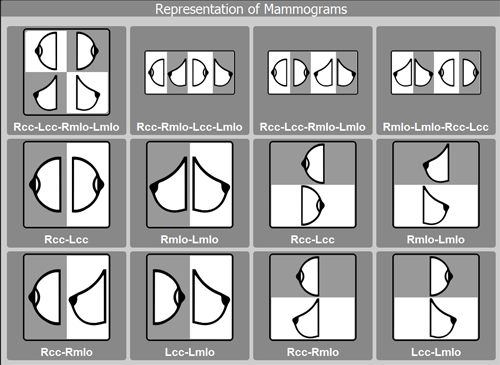
 When using the standard
screen splitting menu:
When using the standard
screen splitting menu:
 will display R-CC
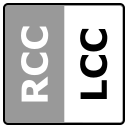
 will display R-CC and L-CC
 will display R-CC and R-MLO

-
will display R-CC and L-CC on top, R-MLO and L-MLO on bottom

 will display R-CC, L-CC, R-MLO, L-MLO
You can switch between standard mammography layouts using the key combination  +
+ 
For constant mammogram analysis:
To display additional study images, drag them from the Preview Bar onto the screen
To compare studies, use the standard screen splitting menu
See also
Vidar Dicom Viewer Help 3.0, © 2026
PO Vidar
 Mammography