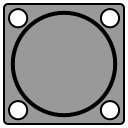
- Click on one border of the oval
- Click on the opposite border of the oval

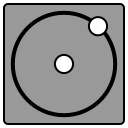
- Click at the center of the circle
- Click on the border of the circle

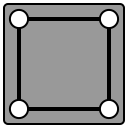
- Click at one vertex of the rectangle
- Move the mouse
- Click at the opposite vertex of the rectangle
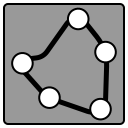
- Click at the starting point
- Moving the mouse, click on points to draw the region
- Double-click at the last point to finish drawing The region will close
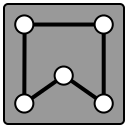
- Click at the starting point
- Moving the mouse, click on points to draw the region
- Double-click at the last point to finish drawing The region will close
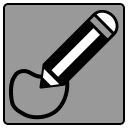
- Click at the starting point
- Move the mouse to draw the region
- Click at the ending point The region closes automatically.

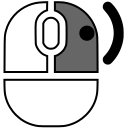
 key on the keyboard