 The Scale tool - move the mouse up-down to change the scale
 Real size - display the image at real size in selected frames
 Fit to area - fit the image size in selected frames
When changing the printer, film/paper size, or sheet orientation,
the scale will also change
Changing the size of the print window on the screen does not change the scale on film/paper
In the print window toolbar, the following tools are available for changing the scale:
The Scale tool - move the mouse up-down to change the scale
Real size - display the image at real size in selected frames
Fit to area - fit the image size in selected frames in the print window toolbar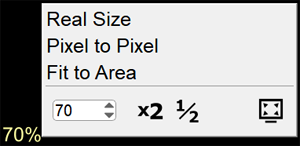
The scale value in the overlay will change to 100%