 in the lower right corner of the image
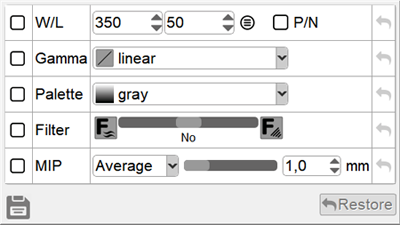
You can quickly restore any parameter to its original value by clicking on
 Restore button
Image presets are designed for creating image display templates
One or several parameters can be set in each template:
in the lower right corner of the image
Restore button to apply it to all images on the screen
 next to the preset name to edit it
 next to the preset name to delete it and confirm the action
 in the lower left corner of the window to create a new preset