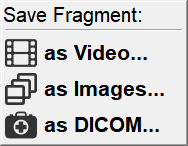
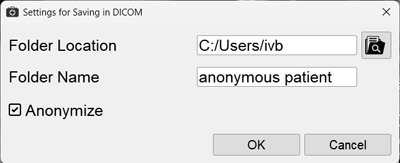
Saving a series fragment is intended for online publications, consultations, and clinical case demonstrations
With large study volumes, only the significant part of a series/volume can be selected
Creating a Series Fragment
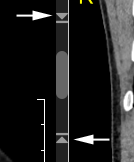
To save only a part of a series, use the slider-arrows on the edges of the scroll bar of the active series projection:
By moving the slider-arrows, visually select the start and end of the fragment