go to Vidar Dicom Viewer page
Enlarge the Image to Full Screen
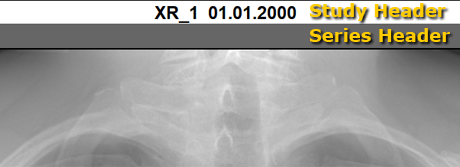
Zooming in/out a part of the screen is performed using study and series headers
Study
Enlargement of the study image to the full screen
Double-click the study header:
Restore the study to its original size
Double-click the header of the zoomed study
Series
Enlargement of a series to fill the study area
Double-click the series header
Restore the series to its original size
Double-click the header of the zoomed series
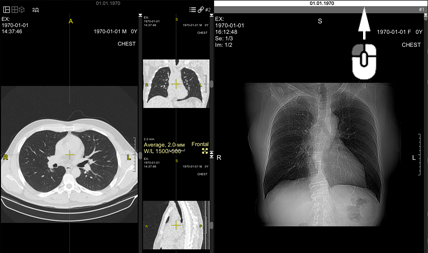
MPR projections
Zoom a projection in a series to fill the
study
area
Double-click the image,
or
click the
icon in the upper right corner of the frame
Restore the projection to its original size
Double-click the image,
or
click the
icon in the upper right corner of the frame
Image in Radiology, Mammography
Zoom an image to full screen
Double-click the image header
or
Double-click the image
Restore the image to its original size
Double-click the image header
or
Double-click the image
See also
Split Screen
Vidar Dicom Viewer Help 3.0, © 2026
PO Vidar

 icon in the upper right corner of the frame
 icon in the upper right corner of the frame