go to Vidar Dicom Viewer page
Merging Video Fragments
Click in the video settings panel
The merge window will appear
Drag the video fragments to change the merge order
Uncheck the
Save original fragments
box if you need to
delete
the original fragments and keep only the merged fragment
Click the
Save
button
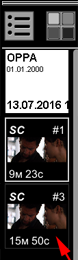
The new fragment will appear in the Preview Bar as a new series of the same study:
Vidar Dicom Viewer Help 3.0, © 2026
PO Vidar